
lcd_art
This is an old revision of the document!
Table of Contents
LCD Art
Here you can publish any LCD art you made.
You can display *.lcd files using the “showlcd” l0dable or use it as nick.
Display images as nick
- Download the *.lcd
- Rename it to “NICK.LCD”.
- Replace it with the NICK.LCD on your r0ket.
- Choose in the r0ket menu: nick –> chooseAnim –> IMAGE.
Display animations as nick
- Download the *.lcd
- Rename it to “NICK.LCD”.
- Replace it with the NICK.LCD on your r0ket.
- Choose in the r0ket menu: nick –> chooseAnim –> ANIM.
Display nick animations
- Downlaod .nik (and all dependencies).
- Push it to your r0ket via USB.
- Choose in the r0ket menu: nick –> chooseAnim –> <NICK_ANIMATION_NAME>
Archive
Images Archive
-
- Hitchhikers Guide thumb (Rename to nick.lcd)
- Hitchhikers Guide thumb inverted (white on black) (Rename to nick.lcd)
- Batman Head (Rename to nick.lcd)
- Batman Logo (Rename to nick.lcd)
- /dev/radio (Rename to nick.lcd)
Animations Archive
-
- nananananananana Batman!!!!(Rename to nick.lcd)
- Spiral spinning around
.nik l0dables Archive
-
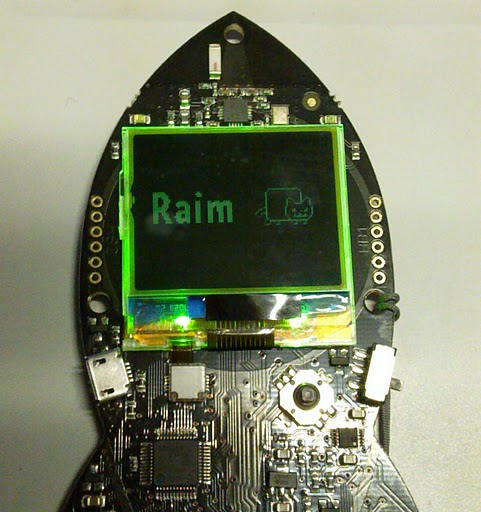
- Animation: nyan.lcd
- l0dable: nyan.nik
- Source: nick_nyan.c
- CCC Logo (Chaosknoten) Nick-Animation (See demo image here)

lcd_art.1313087887.txt.gz · Last modified: by ikarus